For HVAC professionals
HVAC Service Documentation
Show customers exactly what you did.
No credit card required


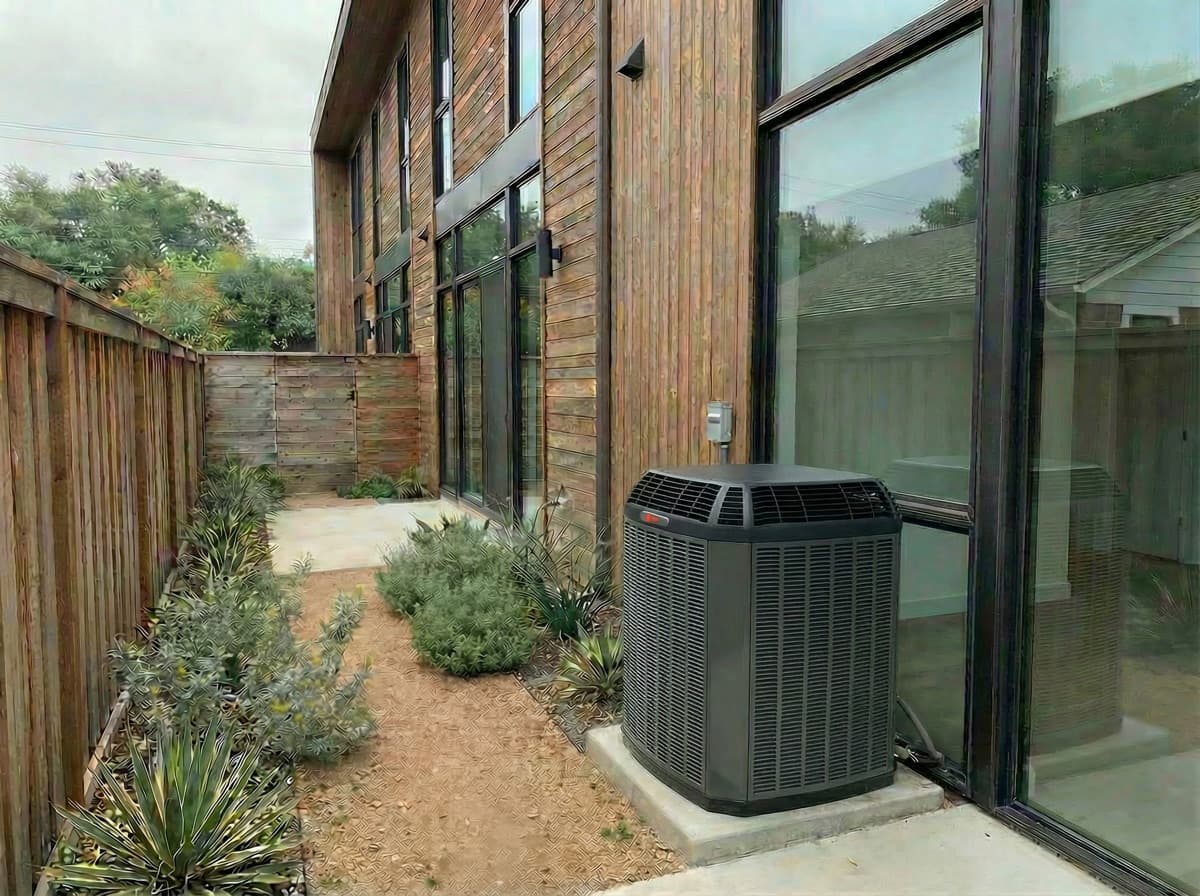
The HVAC Challenge
Sound familiar? You're not alone.
Invisible Work Inside Units
Customers can't see inside their HVAC system. Photos show the dirty filters, clogged coils, and repairs you made.
Customers Question What Was Done
Without visual proof, customers wonder if the service was really necessary or thorough.
Hard to Explain Value
HVAC work is technical. Before/after photos make the value of your service instantly clear.
ProofShot Pro for HVAC
Document every job in 30 seconds. Add your before and after photos, apply your branding automatically, and share professional results with customers and on social media.
- Create in seconds — add before photo, add after photo, done
- Your branding — company info on every template and report
- Professional templates — a growing library of layouts
- AI-powered captions — describe your work automatically

Everything You Need for HVAC
Built for the way hvac professionals actually work. No complicated setup, no learning curve.
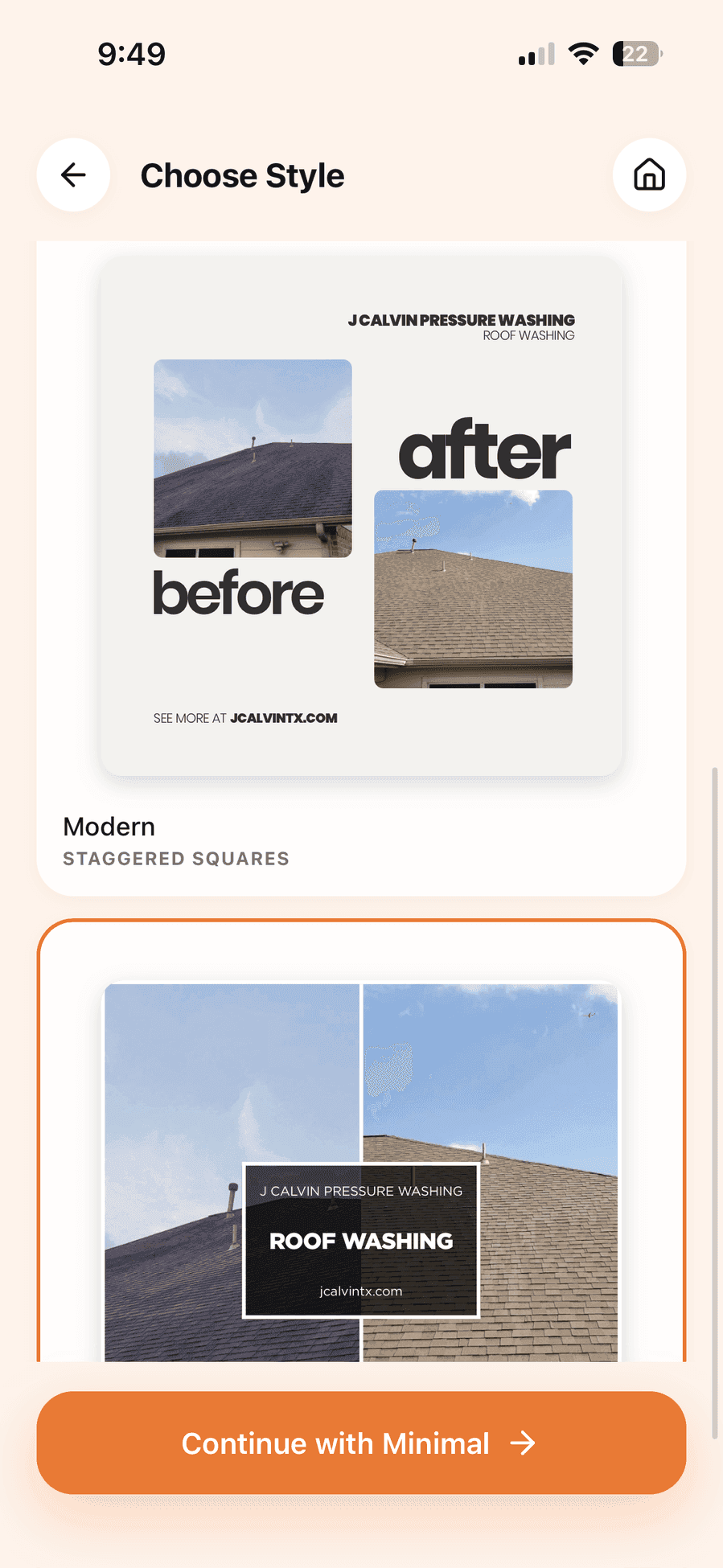
Document Maintenance Visits
Show dirty vs. clean filters, coils, and components at every maintenance call.
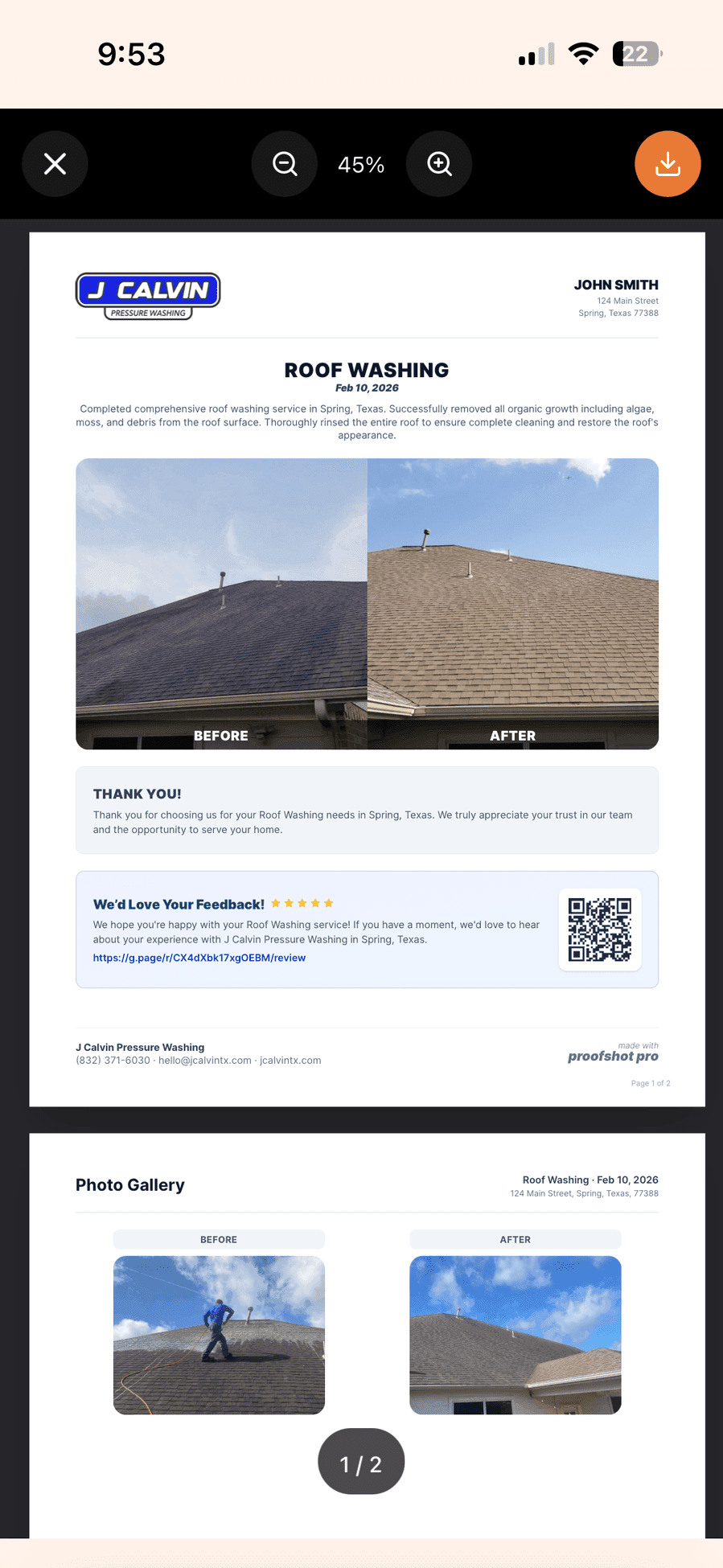
Justify Repairs
Photo evidence of worn parts and damage helps customers understand why repairs are needed.
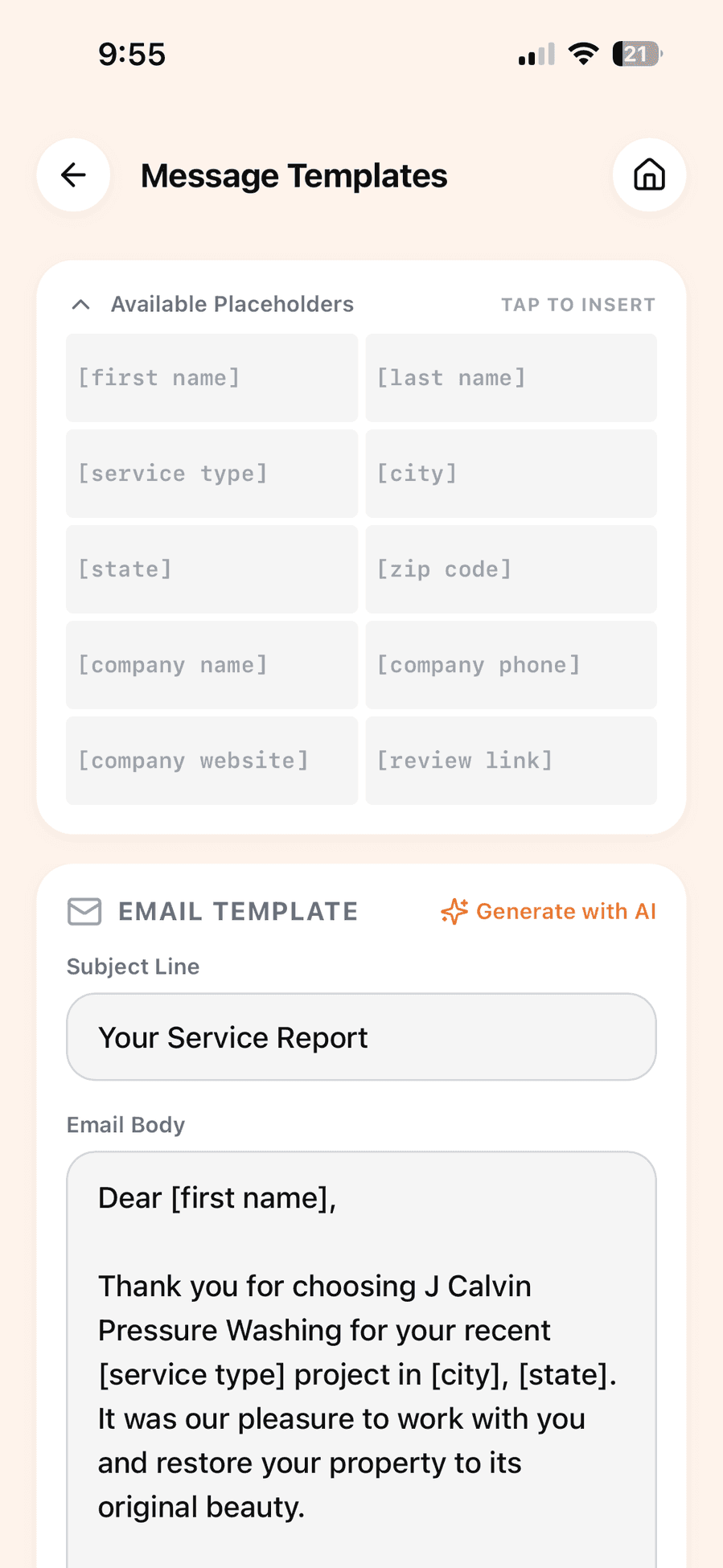
Track Equipment Condition
Document equipment condition over time to predict replacement needs.

Professional Service Reports
Send detailed PDF reports showing exactly what was serviced.
HVAC questions, answered
What should an HVAC technician photograph on a service call?
The equipment as found, including the model plate, any corrosion, blockage, or failed component, and the same views after the repair or replacement. HVAC work is largely hidden and technical, so photos are what translate it into something the customer can evaluate.
How do photos help explain an HVAC repair the customer cannot see?
A blocked coil, a rusted condenser, or a filter that has not been changed in a year explains the invoice better than any line item. Showing the state you found the equipment in makes the recommendation feel like a diagnosis rather than an upsell.
Should I photograph the equipment before quoting a replacement?
Yes. Condition documented before the conversation protects the quote later, and gives you something to reference if the customer delays and the unit degrades further before they approve the work.
Does this work for a technician documenting several calls a day?
It is built for it — each call is two photos and no setup. If you document every stop, Pro removes the free plan's 5-project monthly cap and raises stored projects to 100.
Ready to Document Your HVAC Work?
Join hvac professionals who document smarter, not harder.
Claim My Free AccountNo credit card required